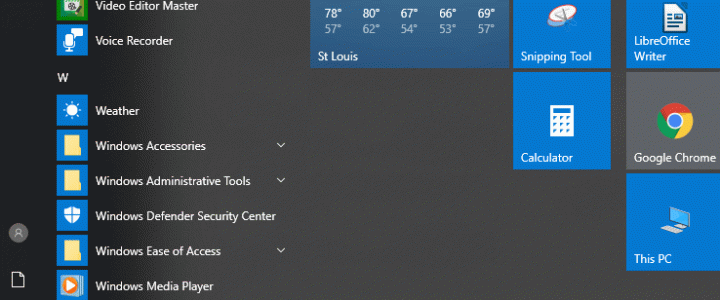
Windows 10 is greedy about some of its file associations. My favorite JPEG viewer is Irfanview, but Windows 10 doesn’t make it easy to use it by default. Here’s how to change Windows 10’s default JPEG viewer to something lighter-weight than the default Photos app. I like Irfanview because it’s lightweight and surprisingly powerful, but this trick works for other apps too. Here’s how to change Windows 10’s default image viewer.
With very few exceptions, only applications installed from the Microsoft store are eligible to be set as the default viewer for image files. To set your default picture viewer to something like Irfanview, you have to install it from the store first to make it eligible.

David Farquhar is a computer security professional, entrepreneur, and author. He has written professionally about computers since 1991, so he was writing about retro computers when they were still new. He has been working in IT professionally since 1994 and has specialized in vulnerability management since 2013. He holds Security+ and CISSP certifications. Today he blogs five times a week, mostly about retro computers and retro gaming covering the time period from 1975 to 2000.